Nobody was ever calmed by a bar chart. But six weeks into a practice, one fair question deserves a fair answer — is this actually doing anything? — and memory is a terrible witness. That's what mindful minutes are for: a quiet, honest record of the time you've given your mind, kept somewhere that answers to you. This guide explains what Apple Health actually records, who can see it, and where we think a record like this should live.
What mindful minutes are
Inside Apple Health's Browse tab sits a Mindfulness category. Every time a meditation app — or the Apple Watch's own Mindfulness app — finishes a session, it can write the minutes there. The result is one ledger across every tool you use: your Sunday sit, your Tuesday breathwork, the sleep story you didn't hear the end of, all beside your sleep and steps. The value is the long view. A single entry is trivia; six weeks is a pattern you can actually consult — and it lives on your device, in a place no app controls.
What State of Mind is
State of Mind is the Health app's mood log: a moment's feeling, from very unpleasant to very pleasant, with optional labels for what it's about. Apps you approve can add entries too — on iOS 18 or later — so a one-tap check-in at the end of a practice can become part of the same long record. Paired with mindful minutes it makes the two halves of the honest question visible: what you practised, and how you tended to feel. Held side by side over weeks, those two lines are how you catch what actually helps you — which, as our mood-tracking guide argues, is the whole point of writing feelings down.
The permission model, honestly
Health data has one of the strictest permission models on the phone, and it's worth knowing how strict: the store is encrypted, each app must ask you separately for each type of data, reading and writing are separate grants, and you can revoke any of it at any time in the Health app. An app you cut off keeps nothing flowing.
The permission model has one honest limit: it governs the doorway, not what an app does with data once you've handed it over. An app that reads your mindful minutes and also runs analytics servers may be sending your practice history onward — permission granted is not privacy kept. The way to know is the way our privacy guide shows: read the app's own privacy label, and prefer apps with nowhere to send things.
In Maitora
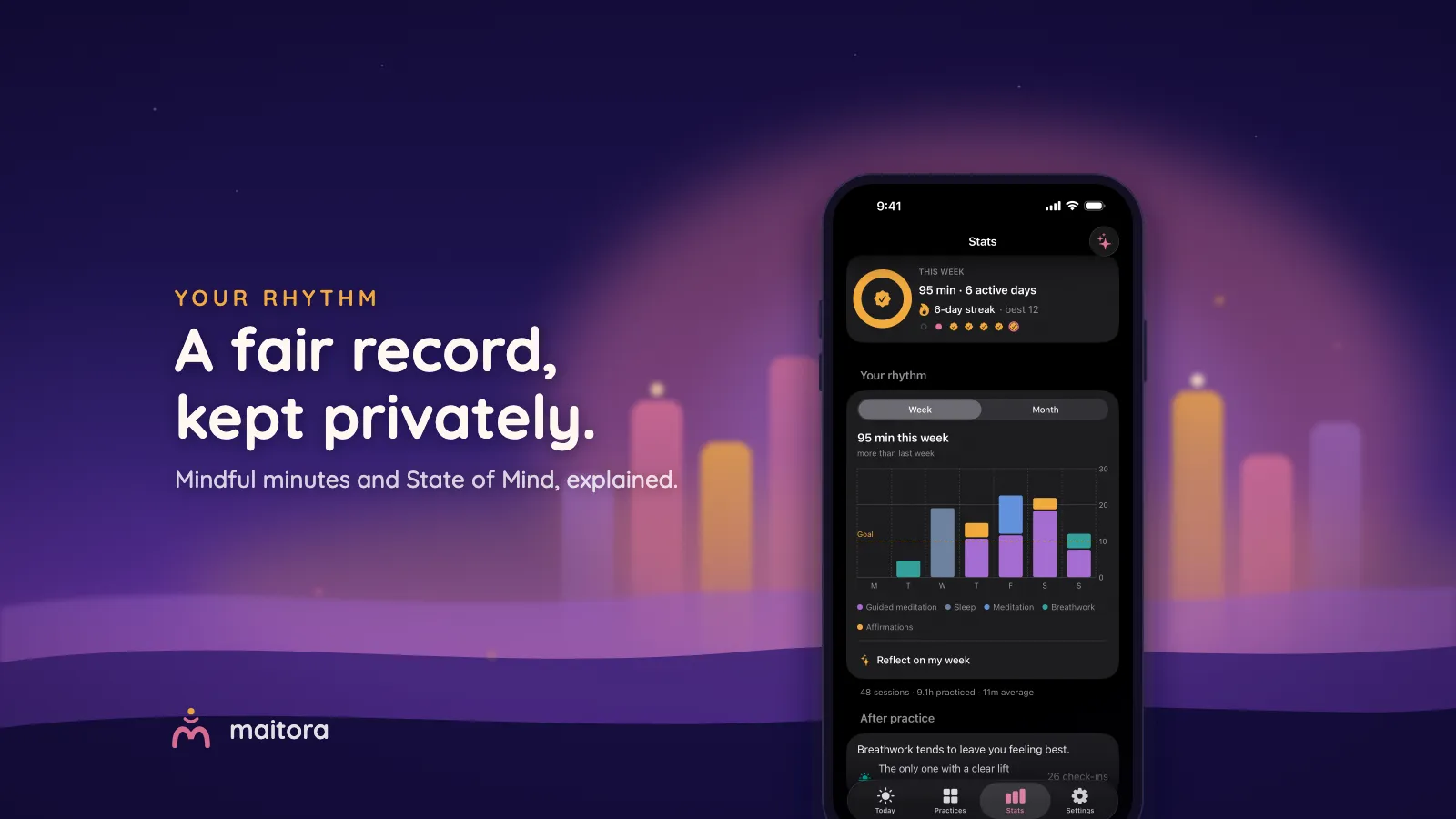
Maitora treats Health as yours, not ours. Logging is off by default; if you switch it on in Settings → Health & data, the app writes your Mindful Minutes when a session ends and — if you take the one-tap check-in — your mood to State of Mind. It reads back only today's total and your recent moods, to draw your own trend on the Stats page: your week's rhythm, your streak, and which practice tends to leave you feeling best, all worked out on the device. Nothing is transmitted anywhere — there's no server and no analytics, so "your data stays in Health" isn't a policy promise, it's plumbing. On Android, mindful sessions are offered to Health Connect the same way, with the same rule: your ledger, your device.
A record that answers to you. Maitora is free to start on the App Store and Google Play.